Before you hand over your phone
Showing a few photos can turn into more scrolling. Review suggested matches before you pass your phone across.
 Sensitivity
iPhone, iPad & Mac
Scan for likely explicit photos and videos on your device. Choose what to keep or delete, or move supported Photos items to Hidden.
Photo scanning is free. Video scanning is an optional one-time purchase.
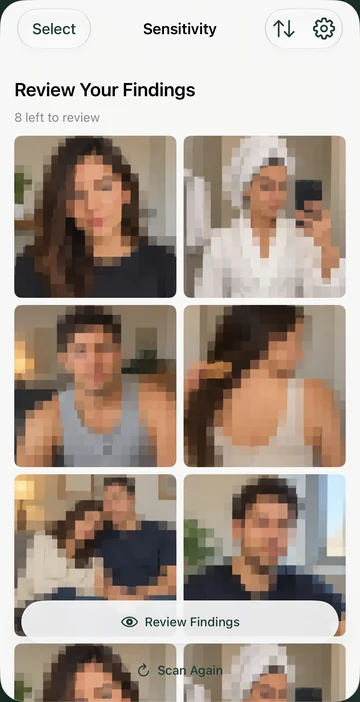
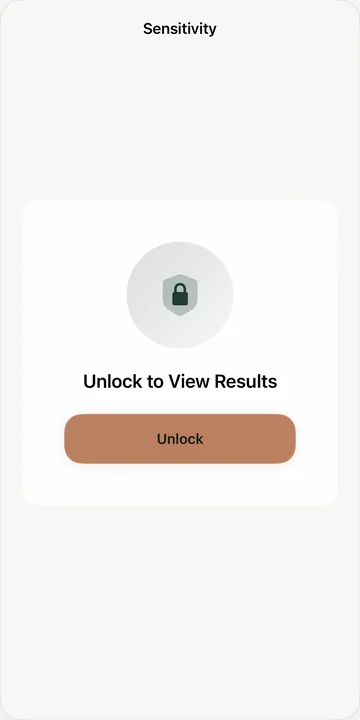
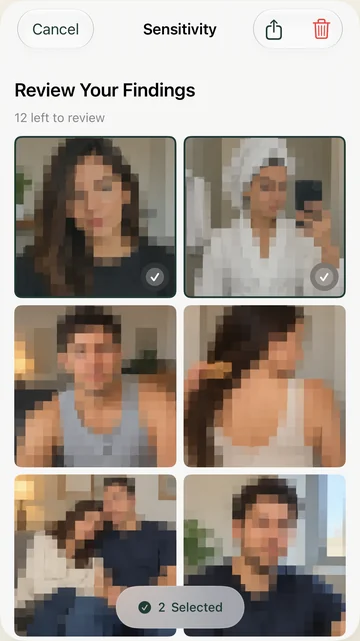
App screens with sample media, pixelated for these screenshots.
On-device scanning
Review before deleting
Scan photos for free
Apple’s Hidden album protects photos you have already selected. Sensitivity helps with the search that comes first.
Showing a few photos can turn into more scrolling. Review suggested matches before you pass your phone across.
Prepare before Photos or a media picker appears on screen. Check the exact screens you plan to share, too.
Years of imports are hard to remember. Find likely explicit media, then decide what still belongs in your library.
20 seconds · Real app footage
Follow a real scan of a small demo library, from the first suggestion to the final Hide confirmation.
The video could not load. Open the MP4 directly or use the description below.
Detection can miss items or flag harmless content. Review every result.

Privacy
Your photos and videos are never uploaded by Sensitivity.
Privacy policyPhotos and videos are analyzed on your device.
Saved results are protected with device authentication.
iPhone, iPad & Mac
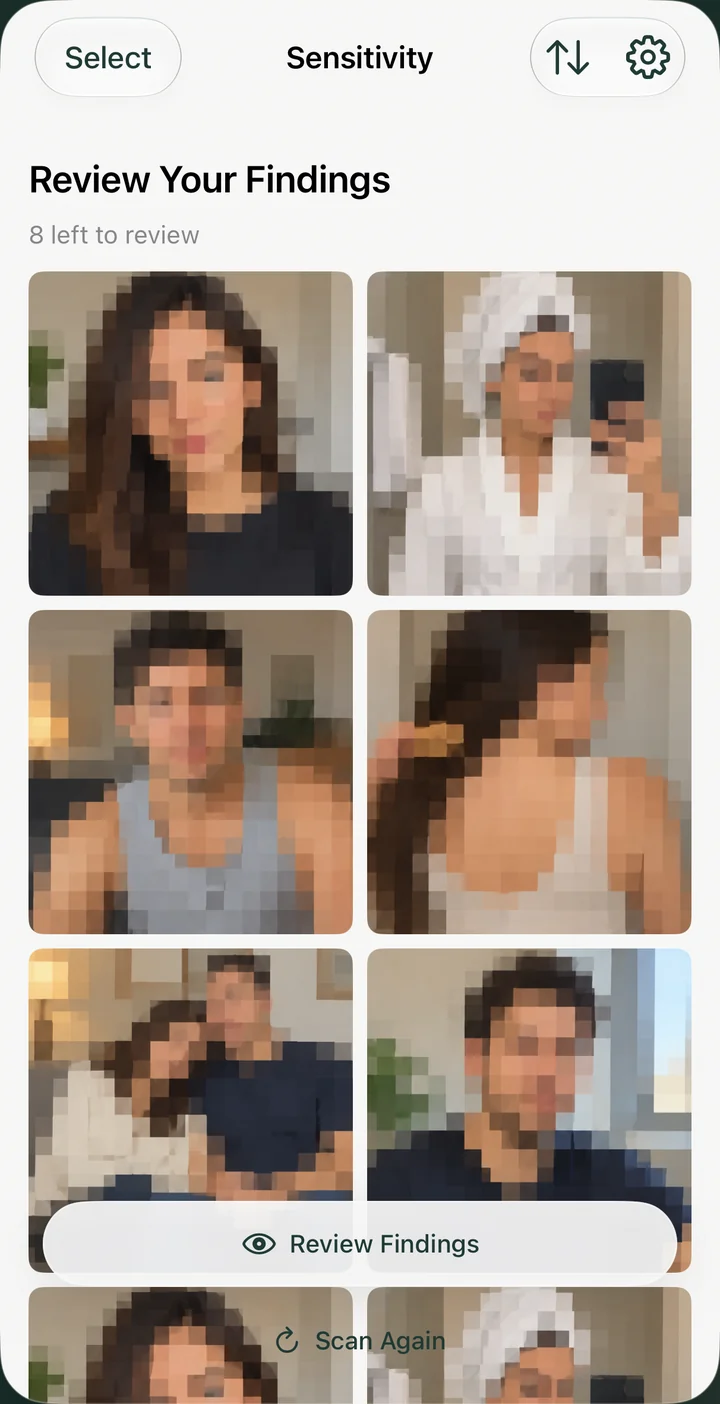
On Mac, scan your Photos library or a Finder folder. Review exports and older media without importing everything into Photos.


Sensitivity
No. You review the suggestions and select what to keep or delete. Supported Photos-library items can also be moved to Hidden. Folder scanning on Mac does not create a Hidden album.
Sensitivity does not upload your photos or videos for scanning. Items stored only in iCloud may need to download through Apple first. Usage analytics and crash reporting are separate and do not include your media.
No. Sensitivity looks for likely explicit content. It can miss items and flag harmless images. It cannot know everything you personally consider private, so review each suggestion.
Deleting from an iCloud Photos library also affects other devices using that synced library. Check your backups and Apple’s Recently Deleted album before permanently removing anything.
Photo scanning is free. Video scanning is an optional one-time purchase with no subscription. Check the App Store listing for compatibility and the offer on your device.
iPhone, iPad & Mac
Photo scanning is free. Video scanning is an optional one-time purchase.